Download ERA PDFs without a Stedi logo
You can now download unbranded ERA PDFs without a Stedi logo in the Stedi portal.
Stedi generates a PDF version of each Electronic Remittance Advice (ERA) you receive. Previously, all ERA PDFs included “Powered by Stedi” in the page footer. Now, you have the option to download ERA PDFs without this footer.
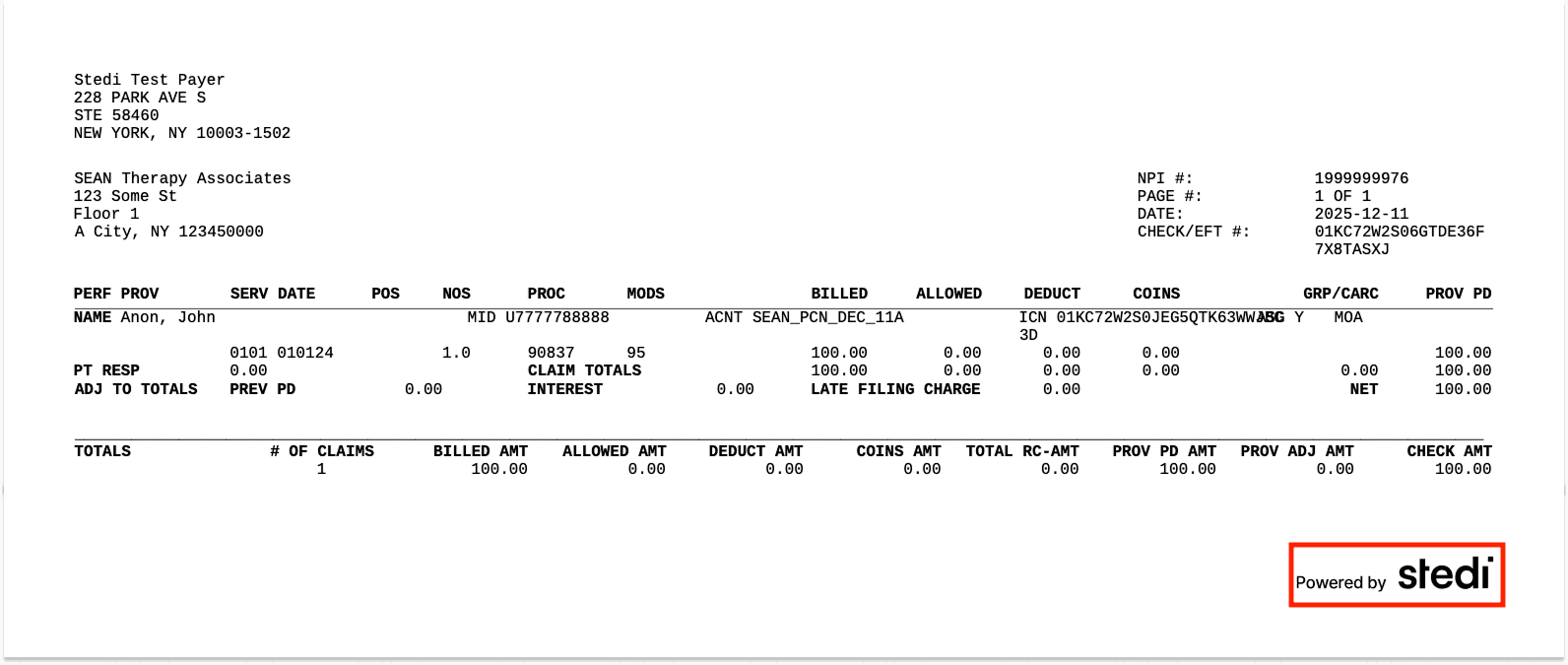
To download an unbranded ERA PDF:
-
Go to the Transactions page.
-
Click the ERA transaction you want to download.
-
On the Overview tab, click Fetch artifact. Then click … and select Download 835 ERA PDF without Stedi logo.