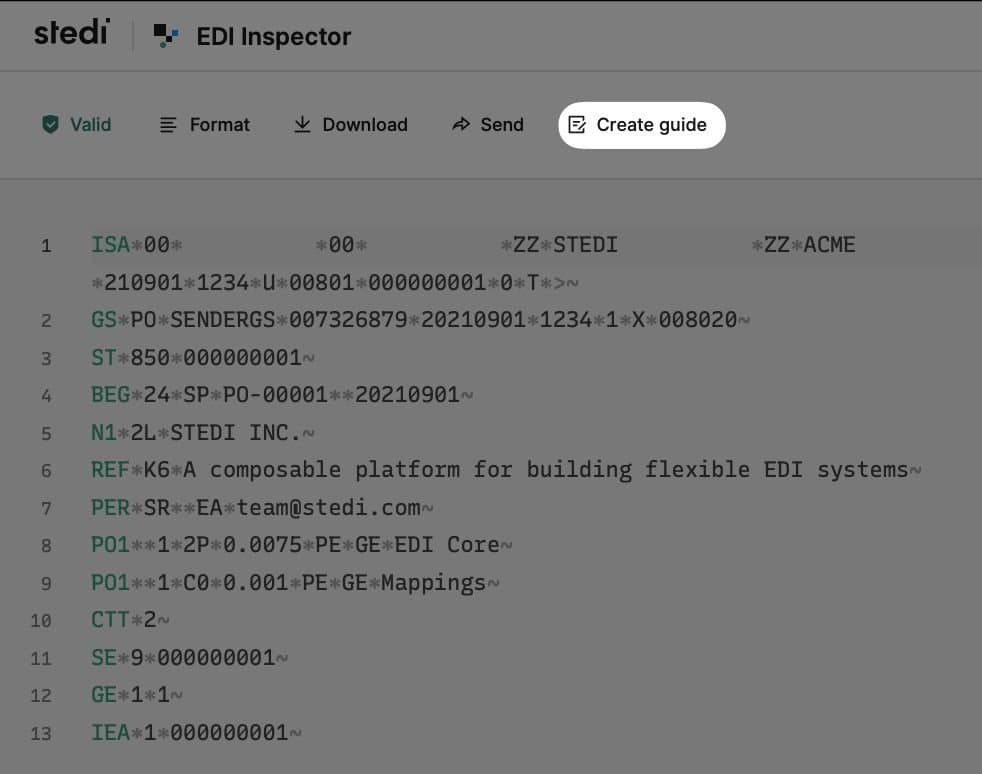
Create a Stedi Guide from the EDI Inspector page
You can now create a Stedi guide directly from the EDI Inspector page. Besides validating an EDI sample, EDI Inspector will now present an option to create a Stedi guide for the specific transaction set of the EDI sample. Upon choosing this option, you will be taken to the guide builder UI with the X12 release version and transaction set pre-selected for you. You can continue after this jumpstart and complete the guide based on specifications from your trading partner.
For more details on creating a Stedi guide, check out our user guide.