Improved Stedi app navigation
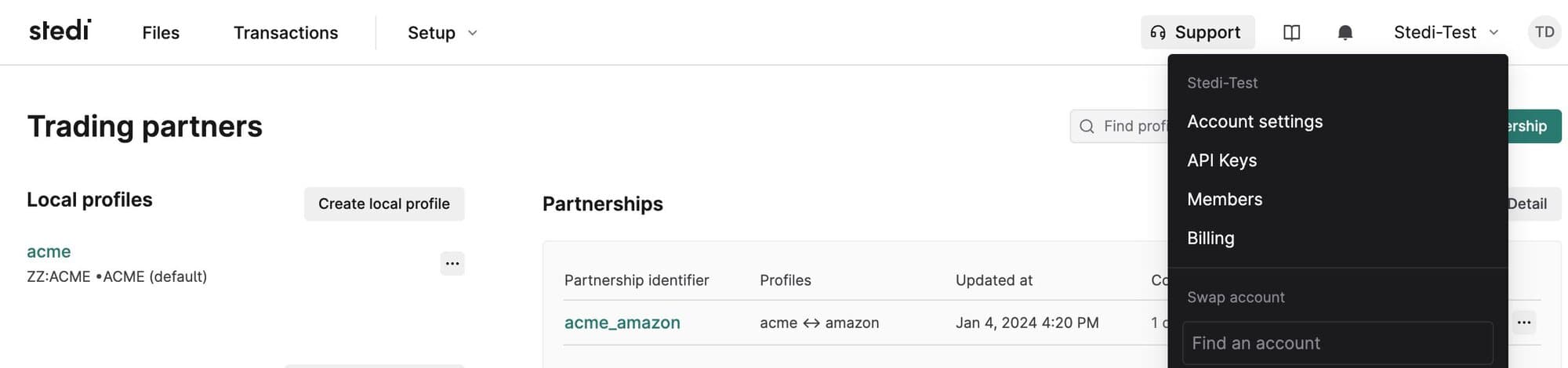
We consolidated the top navigation bar to make the Stedi app easier to use and understand.
The top navigation is now organized into three sections:
-
Files: Review, sort, filter, and inspect every file flowing through Stedi. This page was previously called File executions.
-
Transactions: Review, sort, filter, and inspect every EDI transaction flowing through Stedi.
-
Setup: Access all the tools and configurations required to onboard and manage trading partners. This menu includes Trading partners, Guides, Destinations, EDI settings, and Mappings (if applicable).
We also consolidated documentation and resources into a single menu and co-located key account admin pages, such as Account settings, under the account selection menu.