Mappings improvements
Edit JSON Schema in the Mappings UI
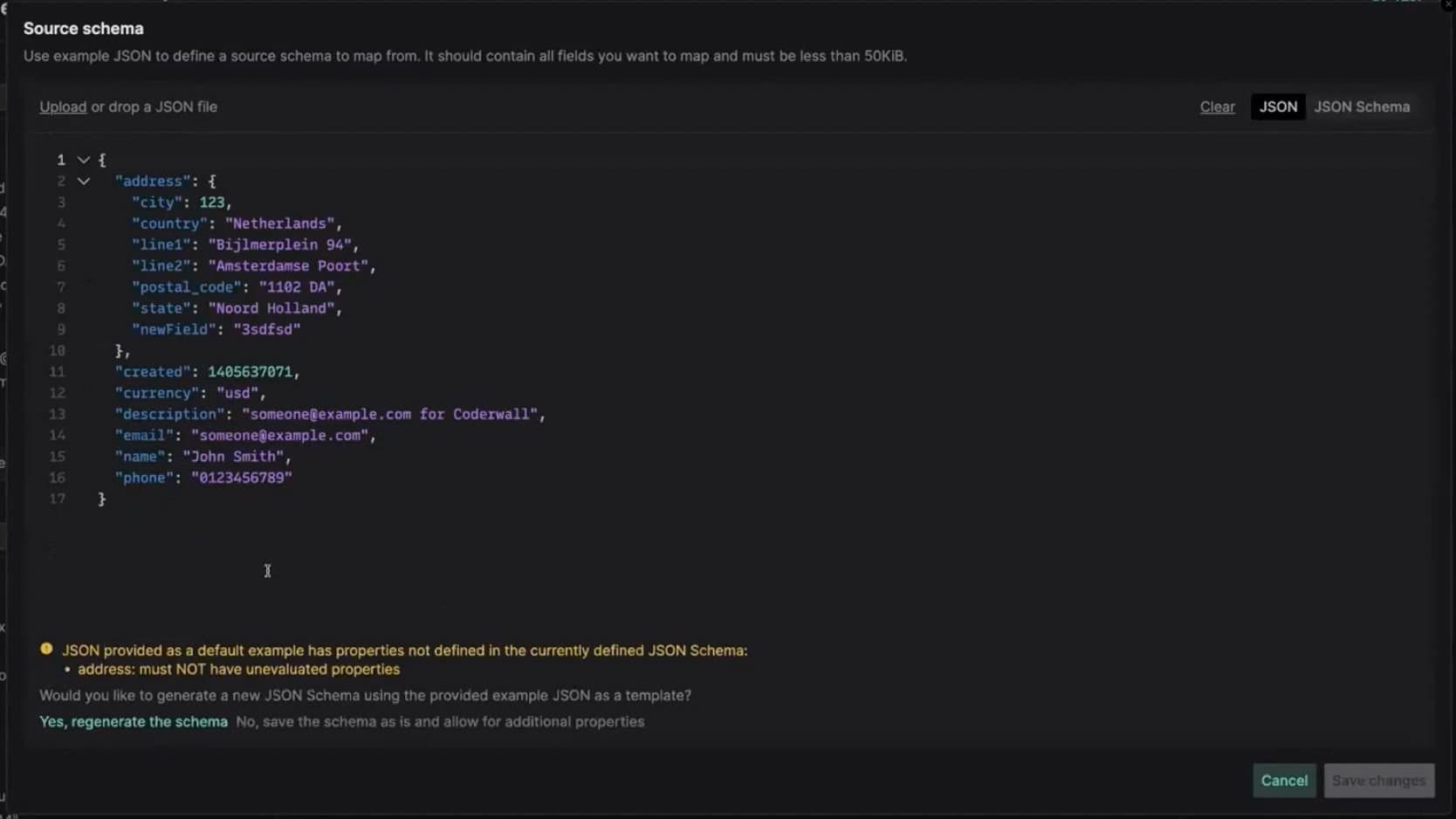
You can now upload and edit JSON Schema directly in the Mappings UI. Any changes in field descriptions will be automatically reflected on the mapping canvas.
In cases when JSON Schema conflicts with a JSON example after an update, you will be able to decide whether you'd like to re-generate the JSON Schema based on your new example or update your JSON Schema yourself.
Navigate source and target more easily with tree view
The source/target documents are now displayed in tree view to make it easier to navigate through large files. You can also use the search bar to quickly find the field you're looking for.
Improved autocomplete suggestions for values
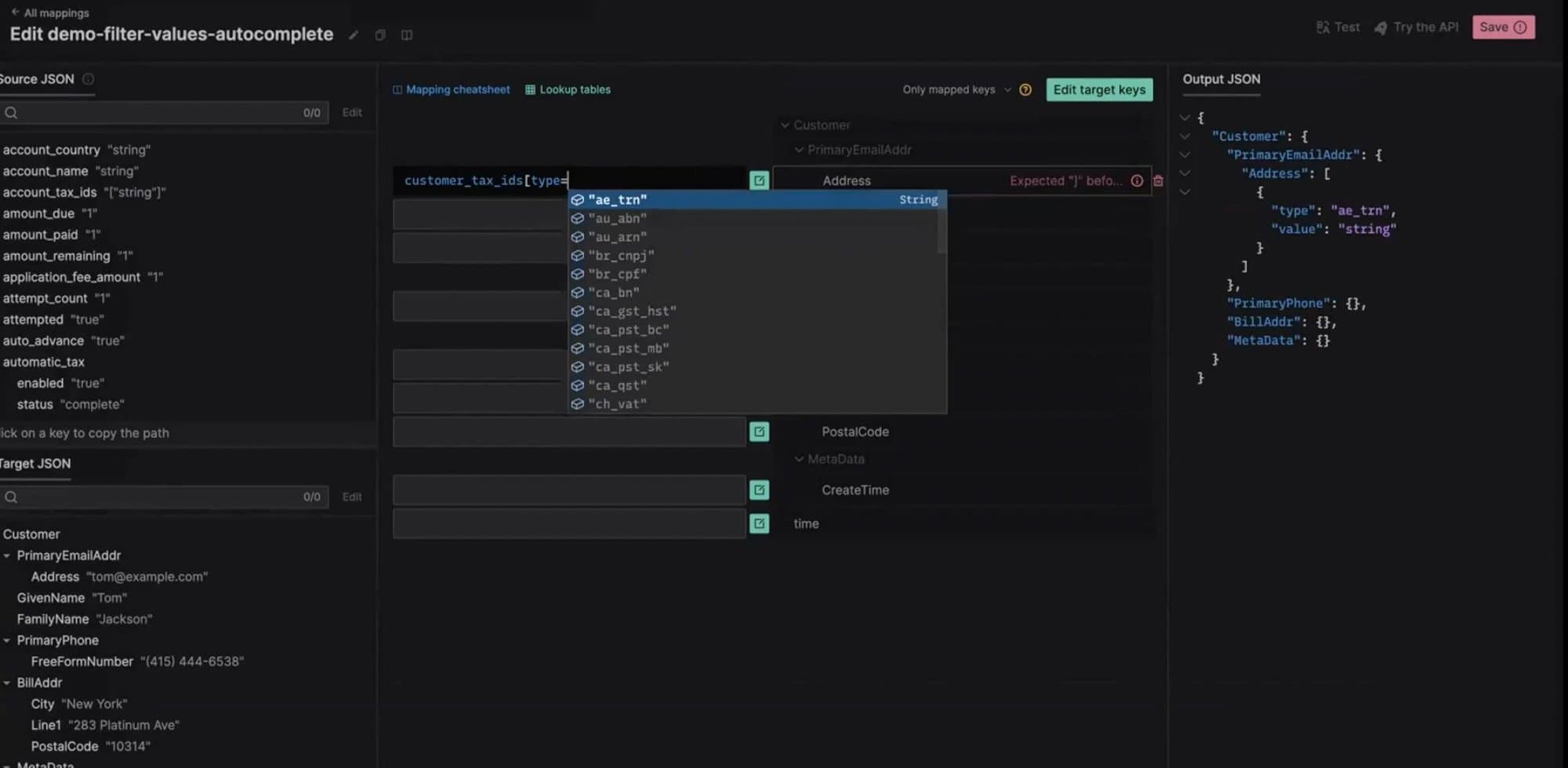
Now, when you work with complex JSONata expressions that require filtering objects in arrays, you will see autocomplete suggestions for values in the predicate expressions.
Higher limits
We have increased the size limits for Mappings APIs to the following values:
-
Mapping source JSON Schema - 300 KiB
-
Mapping target JSON Schema - 300 KiB
-
Mapping JSONata expression - 300 KiB
-
Lookup tables combined size - 300 KiB