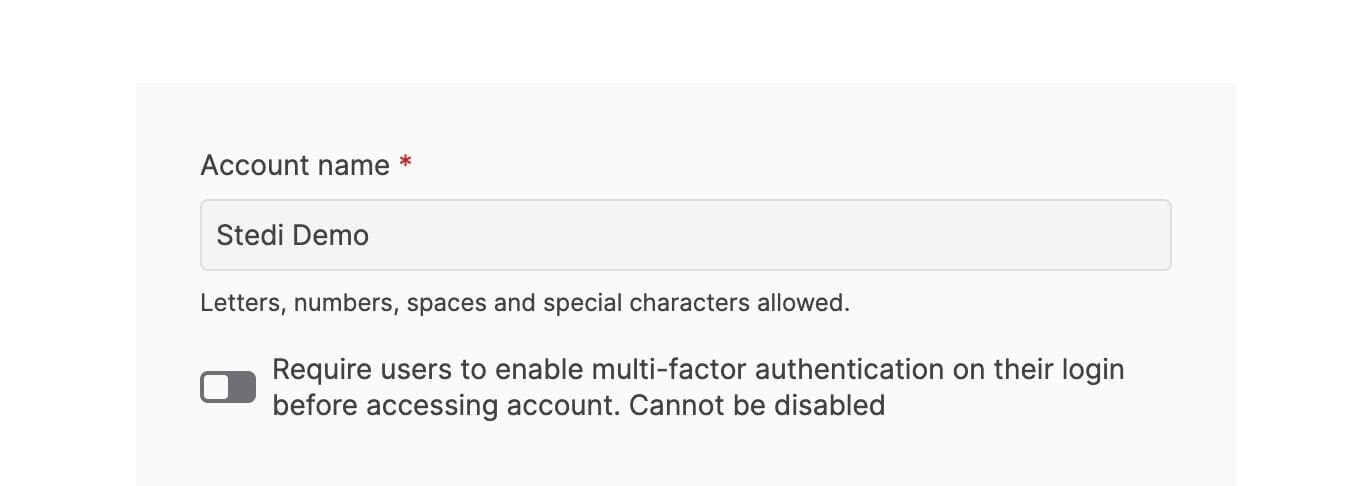
Require Multi-factor Authentication for your account
You can now require all users to enable Multi-Factor Authentication (MFA) before accessing your Stedi account. To enforce MFA for all users:
-
Click the account name.
-
Select Account settings and toggle MFA to ON.
The next time each user logs into the account, Stedi prompts them to set up their MFA token. Once you enable MFA for a Stedi account, it cannot be disabled.