Set the log level for Destination webhooks
To make debugging easier, you can now set the log level for each Destination webhook. Destination webhooks allow you to send transaction data and events from Stedi to any external API.
You can edit the webhook to switch between the following log levels at any time:
-
OFF- no logs -
ERROR- errors only -
INFO- errors and select execution steps, such as successful deliveries -
TRACE- all execution steps
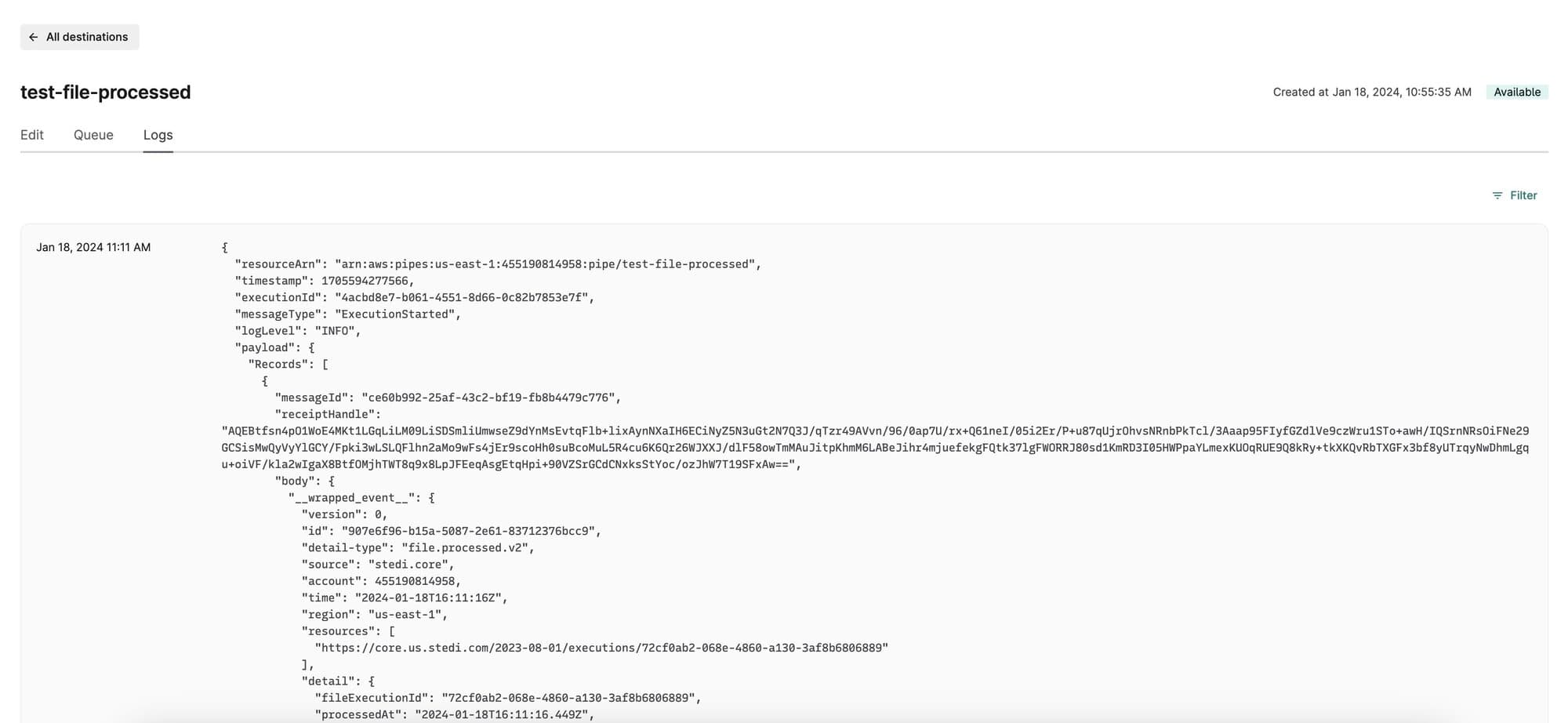
To review a webhook’s logs, click its name and then go to the Logs tab.