Compare and instantly roll back to previous versions of a Stedi mapping
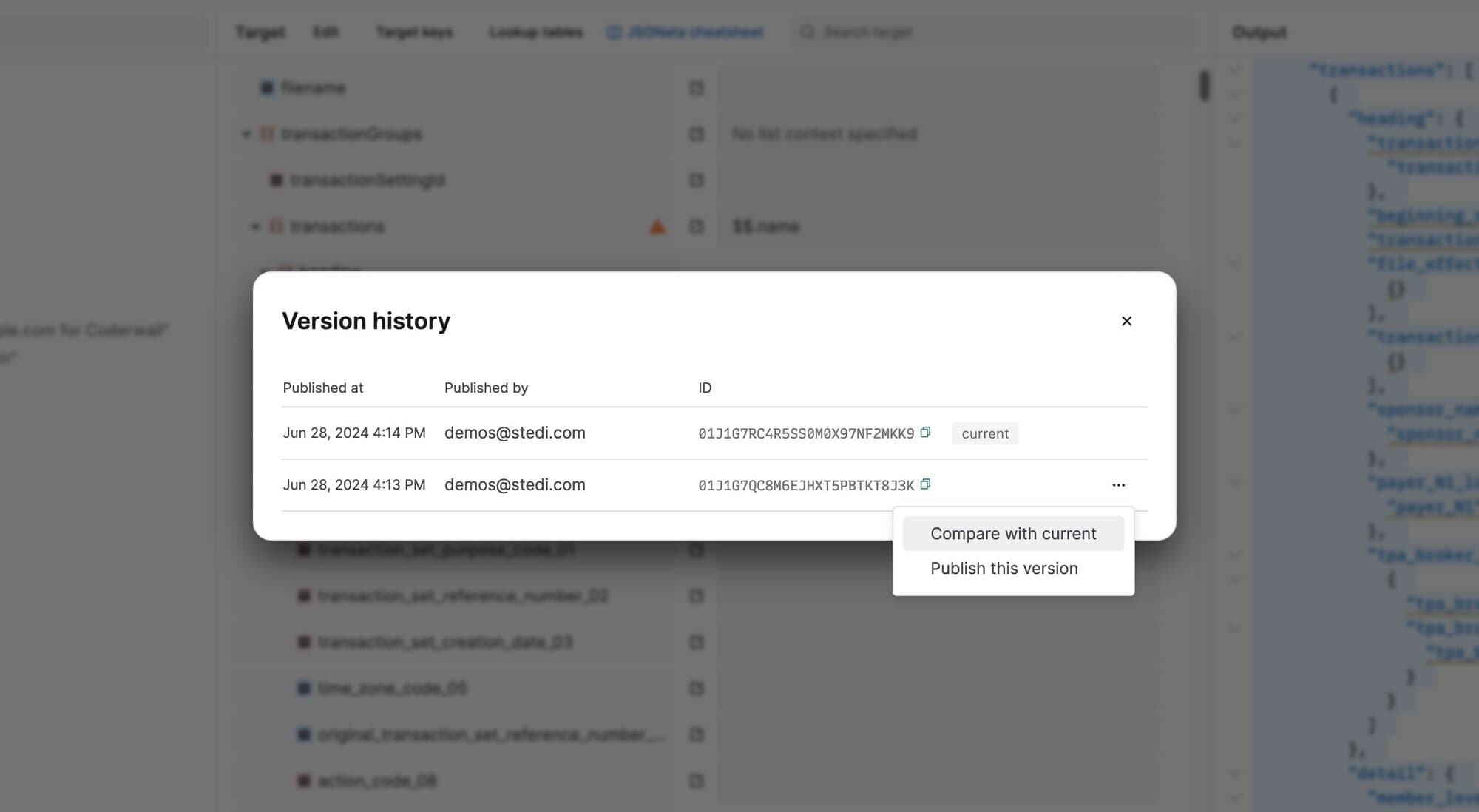
You can now review a mapping’s version history, compare older versions with the current, and instantly roll back to any published version. This functionality helps you better understand the updates made in each version and debug issues in production mappings.
To review a mapping’s version history, go to the mapping, open the Actions menu, and select Version history. You can choose to publish an older version or compare it with the current version in production. Comparing highlights every difference between the old and current versions to show you what has been added or deleted.