Introducing the My Payers view
You can now view every payer you've submitted claims to or received ERAs from through Stedi in the Stedi portal's My Payers view. You can access the view under Claims in the top nav.
Previously, seeing which payers you've worked with meant combing through your claims and ERAs lists separately. Now, you can see every payer you've worked with in a single, filterable list.
Access quick links
In the view, you can hover over any payer row to access quick links:
-
View in network: View the payer's details in the Stedi Payer Network.
-
Find claims: View all claims submitted to this payer in the claims view.
-
Find 835 ERAs: View all ERAs you received from the payer.
-
Find enrollments: View all transaction enrollments and enrollment requests with the payer.

Filter payers
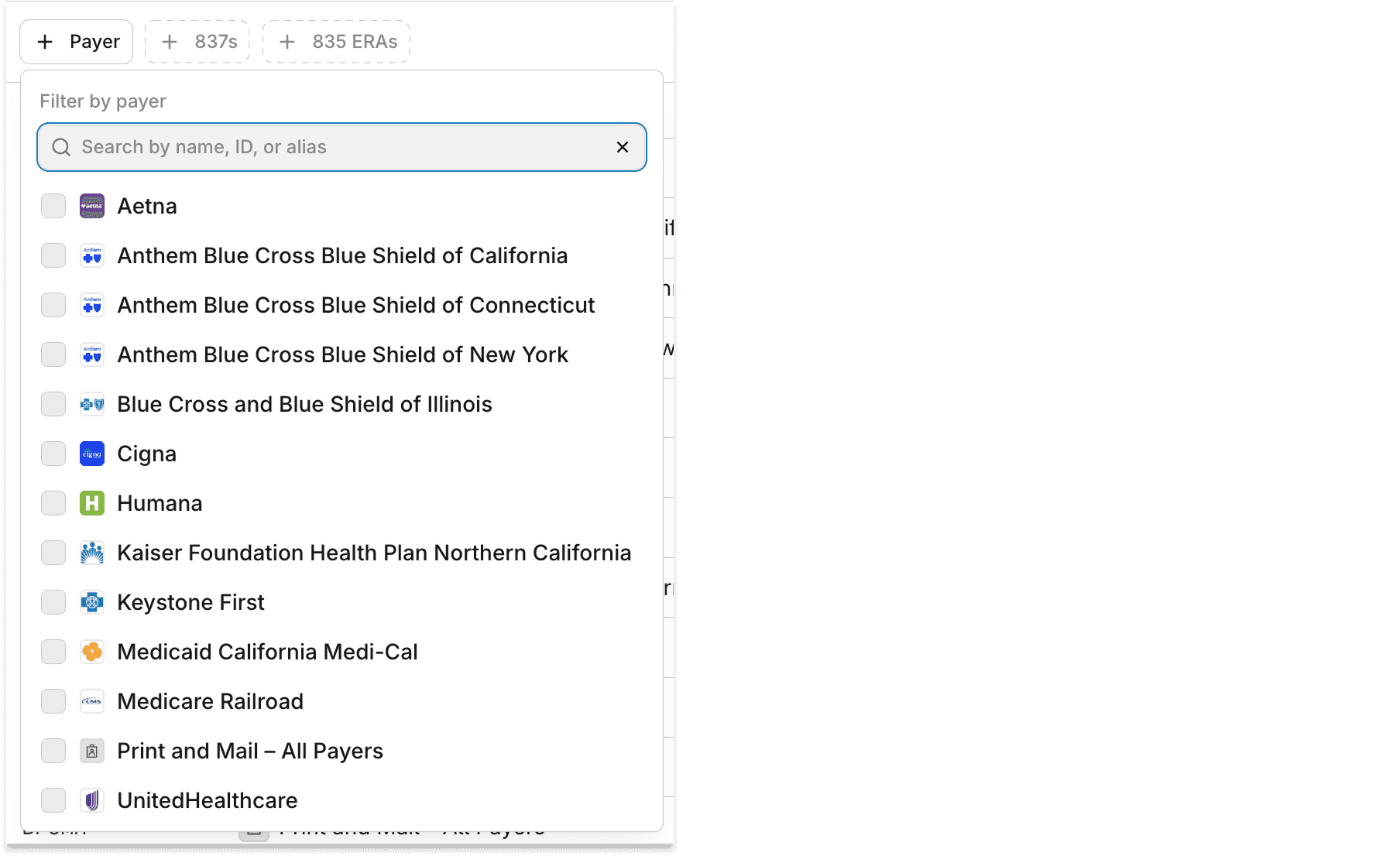
You can filter the view's list of payers by:
-
Payer name, payer ID, or payer ID alias
-
Whether you've submitted an 837 claim to the payer
-
Whether you've received an 835 ERA from the payer
Availability and pricing
The My Payers view is available for free on all production accounts.