Changelog

Send and monitor real-time eligibility checks in the Stedi app

From the Eligibility menu in the Stedi app, you can now perform the following actions:

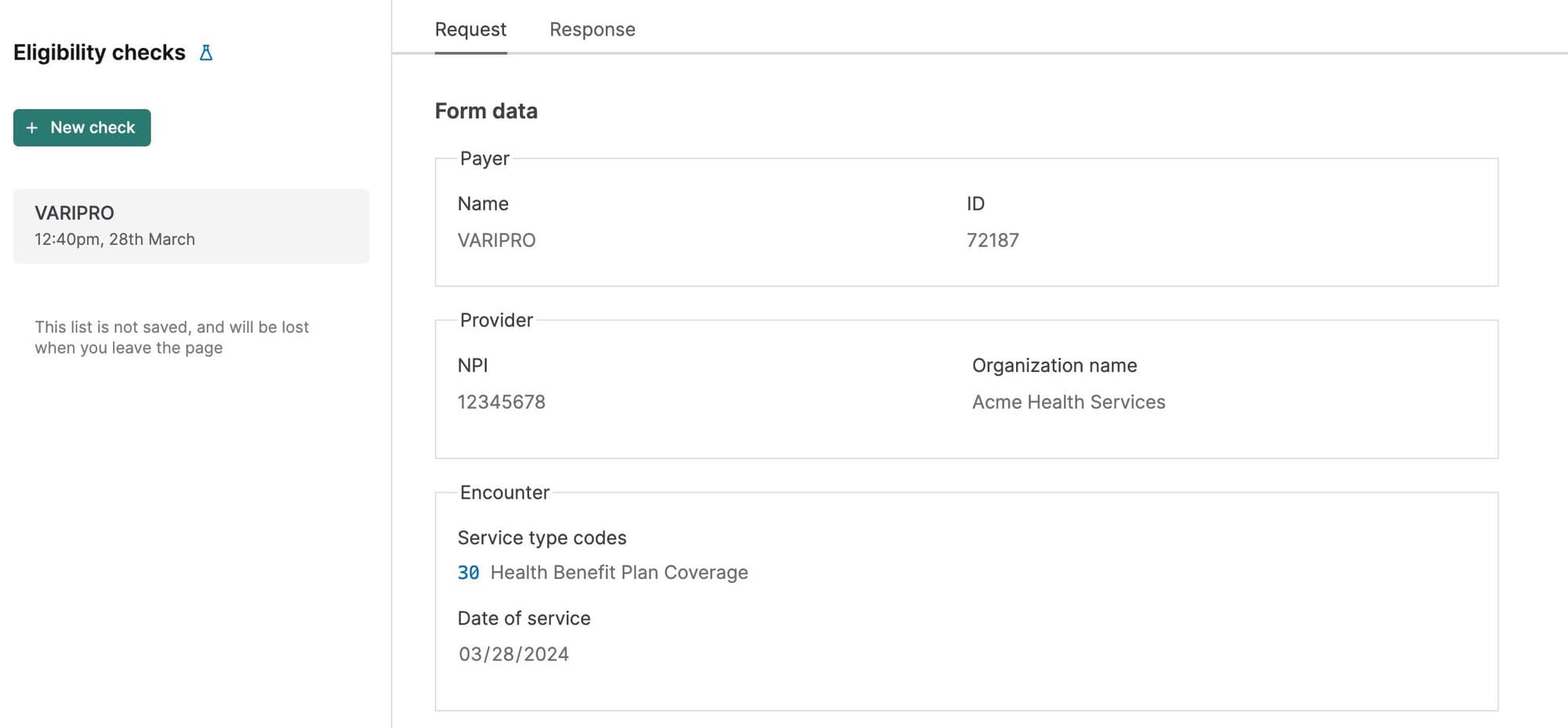
Submit manual eligibility checks and review the full 271 JSON response. This feature is useful for testing and for operations teams who need to do one-off checks.
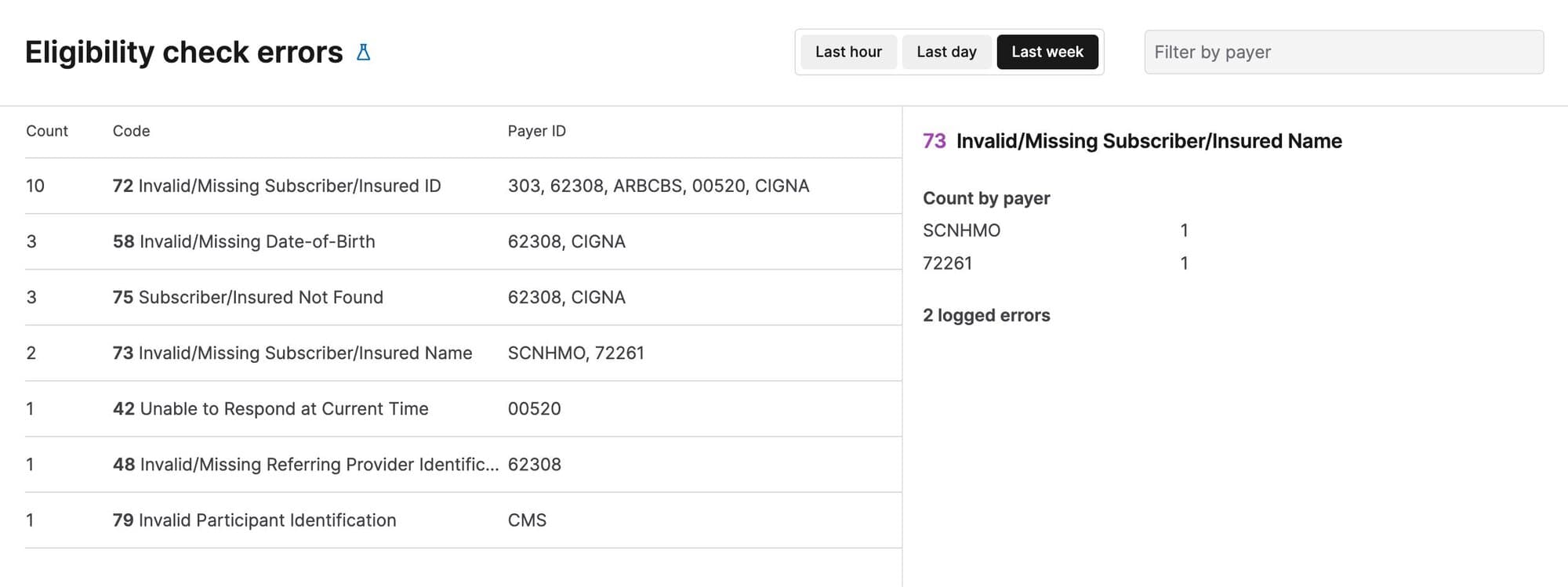
Review errors for every eligibility check you send through the Stedi API and the app. You can filter by payer or timeframe (last hour, last day, or last week) and view details about each error code.
View destination attempts from the event details page

The Stedi app now displays Destination webhook delivery attempts to help with testing and debugging. This page includes metadata about the delivery attempt, including the destination, the time of the attempted delivery, and detailed logs about each delivery stage. 

To review delivery attempts, click a processed file or transaction, click any event to view its details page, and then go to the Destination attempts tab.

Mappings UX improvements

The following improvements make it easier to build and update Stedi mappings.

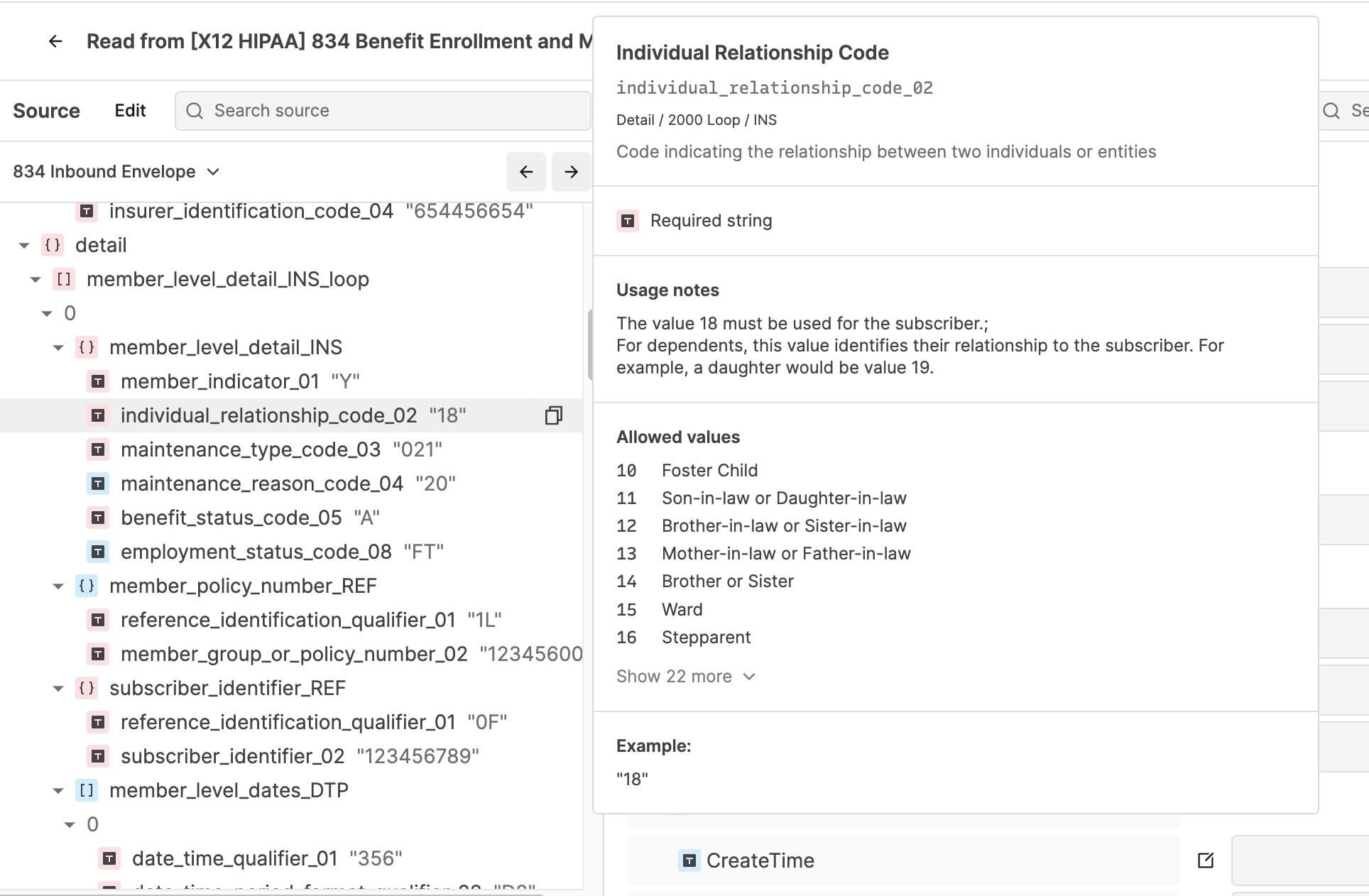
You can now view more context about Stedi guide segments and elements when you hover over them, allowing you to understand which part of the guide you are mapping more easily. This is especially helpful for large guides, including many X12 HIPAA guides, that repeat the same loop or segment in multiple locations. 

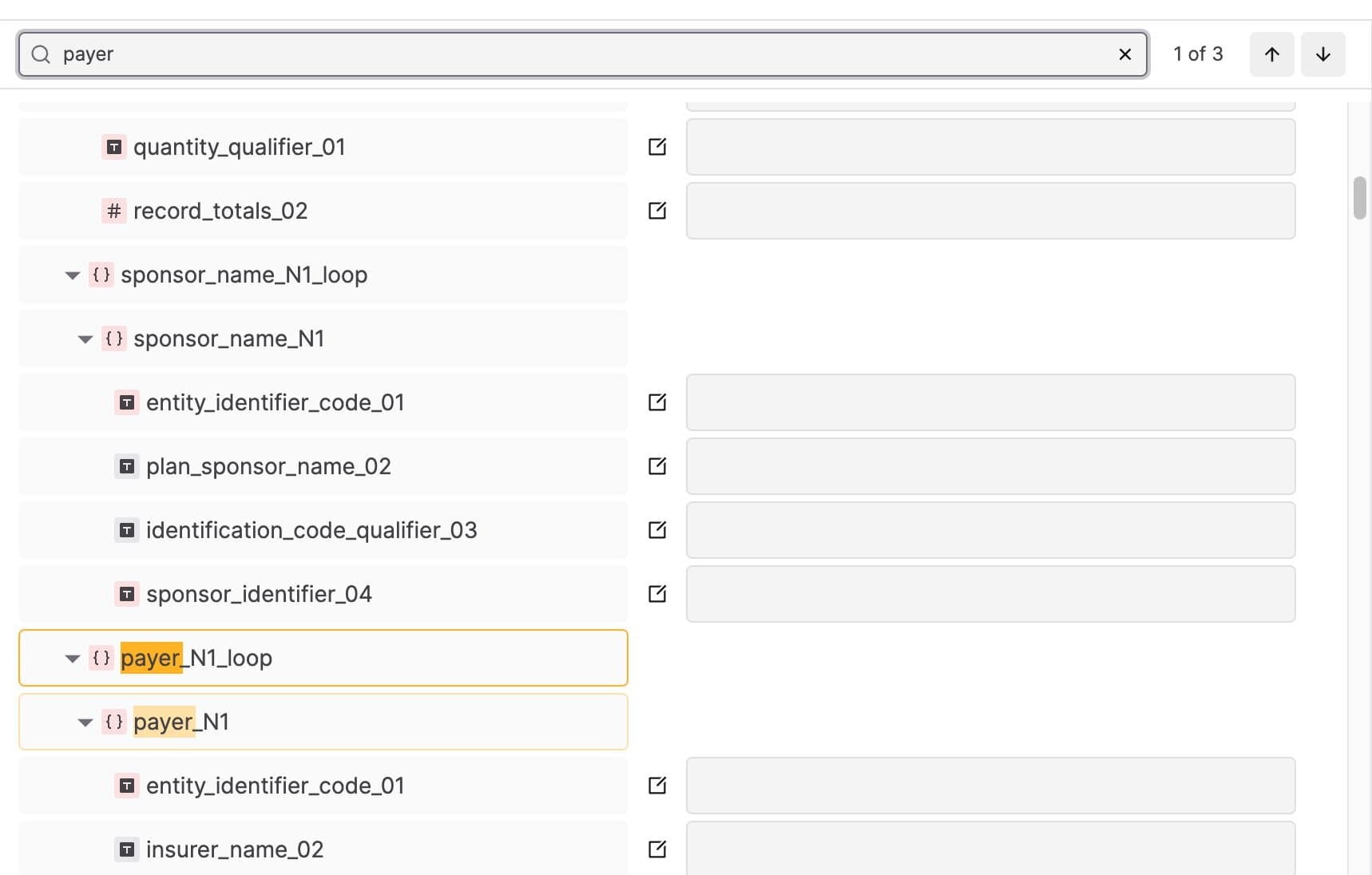
You can now search within a mapping’s source or target fields for a specific text string and jump to each matching value. For example, you might search for the name of a specific segment or element.

Require Multi-factor Authentication for your account

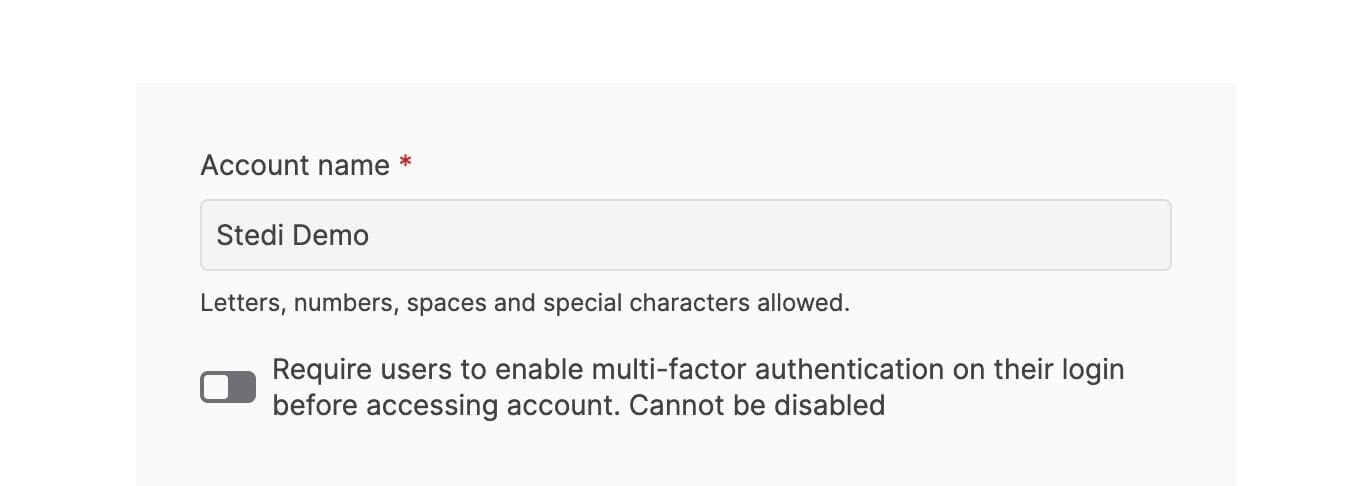
You can now require all users to enable Multi-Factor Authentication (MFA) before accessing your Stedi account. To enforce MFA for all users:

  1. Click the account name.

  2. Select Account settings and toggle MFA to ON.

The next time each user logs into the account, Stedi prompts them to set up their MFA token. Once you enable MFA for a Stedi account, it cannot be disabled.

X12 HIPAA guides preloaded into Stedi guide builder

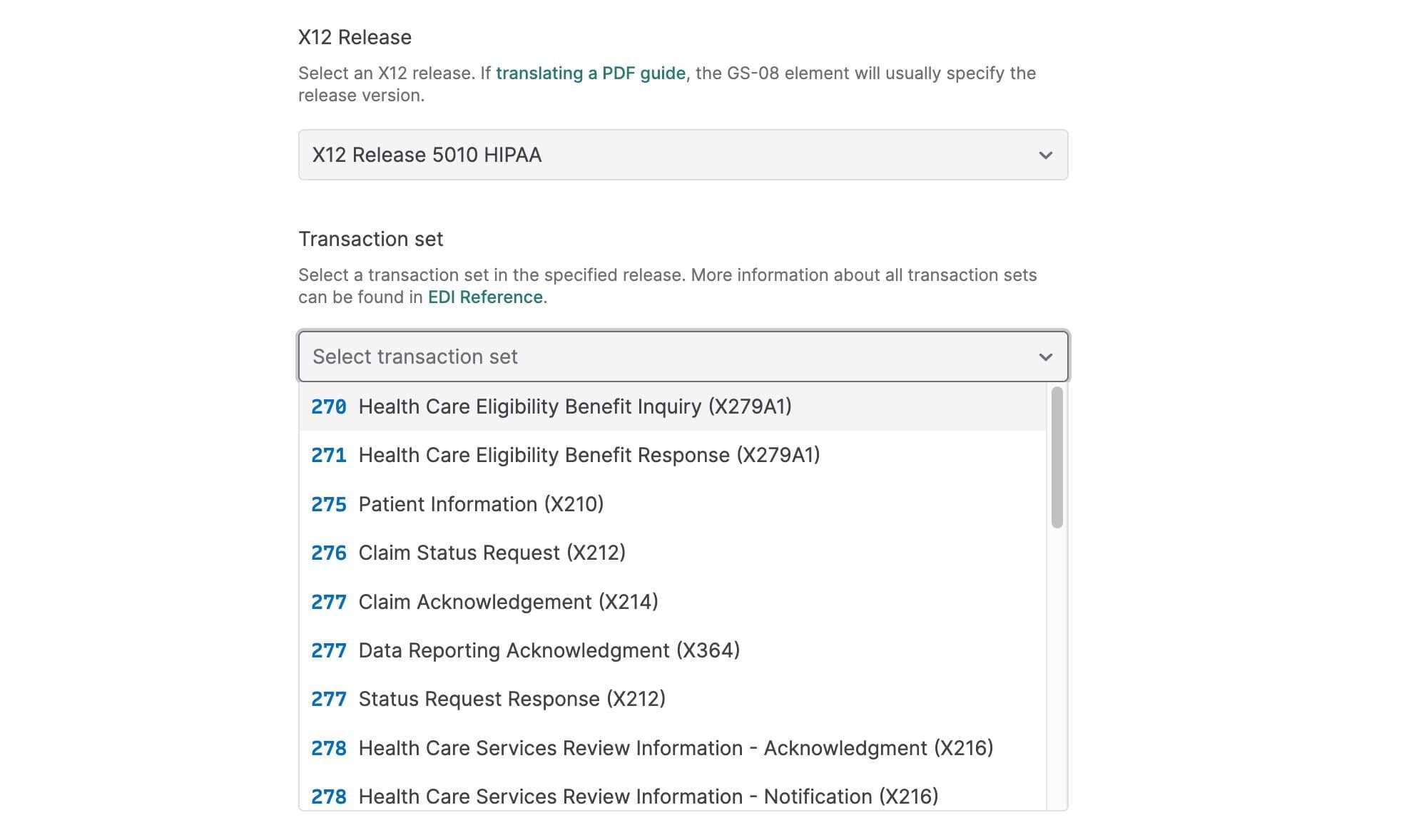
It’s now easier to build custom healthcare guides that conform to X12 HIPAA specifications. When creating a new guide, set the X12 Release to 5010 HIPAA. Stedi automatically preloads every HIPAA transaction set from the Stedi Network for you to choose as a base for customization. 

Stedi guides are machine-readable versions of the EDI requirements trading partners typically provide as PDF, CSV, or Word documents. You can use Stedi’s guide builder to customize any X12 HIPAA transaction for your EDI integration. Then, you can make your guides public to share them with trading partners as user-friendly, interactive web pages.

Idempotency for Generate EDI API

The Generate EDI API now supports idempotent requests. 

When you send a request to the Generate EDI API, you can include an idempotency key to prevent sending duplicate data to your trading partners. In the event of network errors or other intermittent failures, you can safely retry requests with the same idempotency key as many times as necessary within 24 hours after making the first request. Learn more.

New HIPAA guides in the Stedi Network

You can now find the following X12 HIPAA guides in the Stedi Network:

The Stedi Network is a free and open catalog of Stedi guides for hundreds of popular trading partners. You can import any X12 HIPAA guide into your account for free and use it in your EDI integration. 

Request guides: If you don’t see your partner’s guides in the Stedi Network, submit a request, and we’ll build the guides you need for free in 1-2 business days.

Stedi app UX improvements

We made the following improvements to the Stedi app:

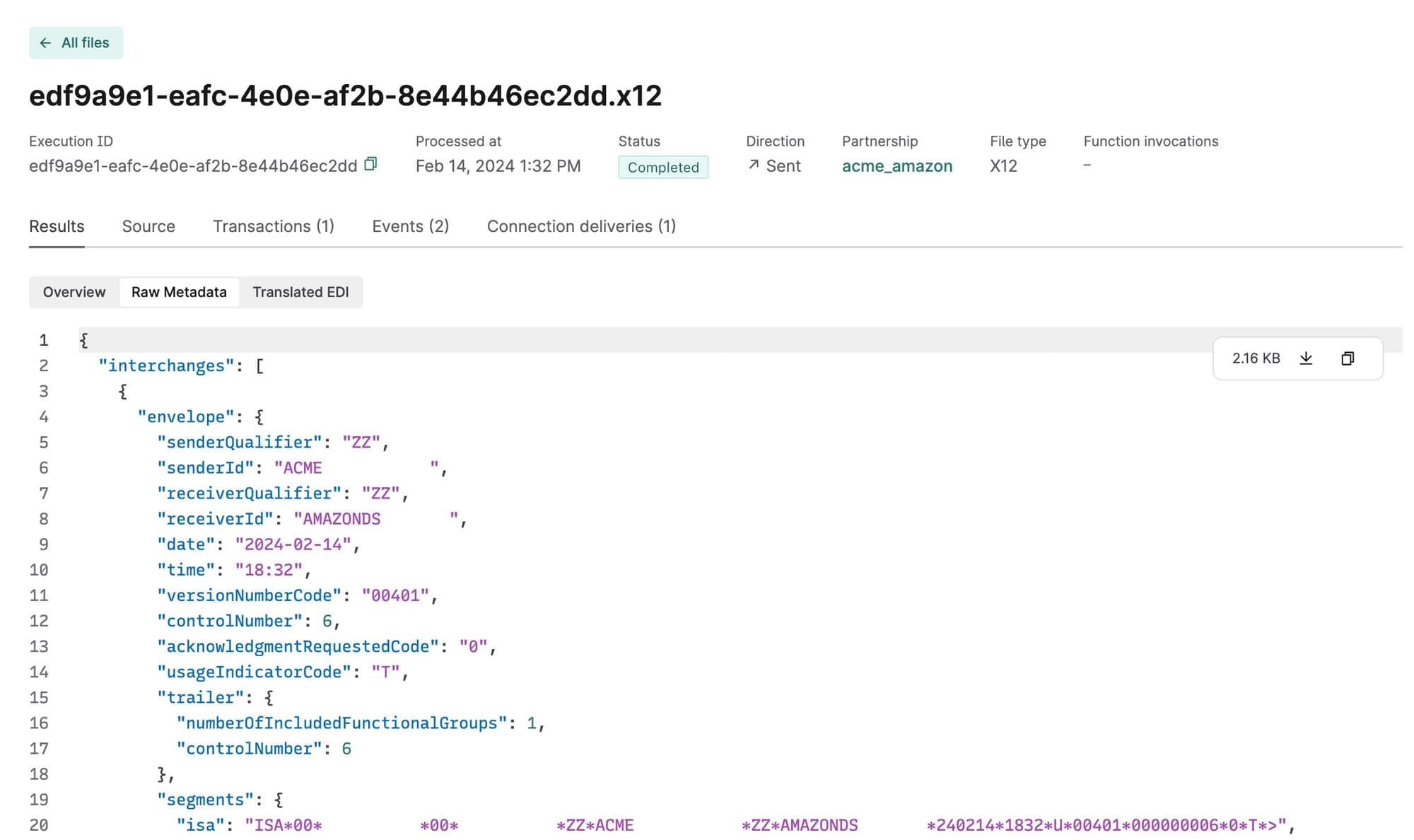
Execution metadata: You can now view file execution metadata, which includes the X12 Interchange and Functional Group values, along with other processing information. To view a file’s execution metadata, go to the Files page, click the file you want to view, and select Raw Metadata in the Results tab.

Event retries: You can now retrigger individual events from both the transaction details page and the file details page. 

AS2 certificate validation: Stedi now gives you immediate feedback about errors in your local and partner signing and encryption certificates. For example, you will now receive an error when your certificate is improperly formatted, when a certificate doesn’t validate against a certificate chain, when a public and private key pair don’t match, and more.