Introducing payer programs in the Stedi Payer Network
You can now see which insurance programs a payer participates in, such as Medicare or Medicaid, using the Stedi Payer Network and Payers API.
Stedi payer records now list the insurance programs a payer is known or expected to participate in, based on Stedi's curated sources. If Stedi doesn't know a payer's programs, they aren't listed.
When you submit a professional claim, you can set an insurance type, which tells the payer the kind of health insurance plan being billed. That insurance type usually maps to one of the payer's programs. For Medicare and Medicaid, the mapping is one-to-one.
Previously, you had to pick the right insurance type yourself. Now, when you submit a professional claim using the Stedi portal's CMS-1500 form, we auto-select the insurance type for Medicare and Medicaid payers, based on their programs.
If you submit claims using the API or SFTP, you can look up a payer's programs with the Payers API and set the insurance type yourself.
Auto-select insurance type on the CMS-1500 form
Stedi auto-selects the Box 1: Insurance type value when you submit a professional claim on the Stedi portal's CMS-1500 form to a payer that participates in only Medicare or only Medicaid. For example, selecting a Medicaid payer auto-selects the Medicaid insurance type.
If a payer participates in both Medicare and Medicaid, or in neither, we don't auto-select an insurance type – you choose it.
View payer programs in the Stedi Payer Network
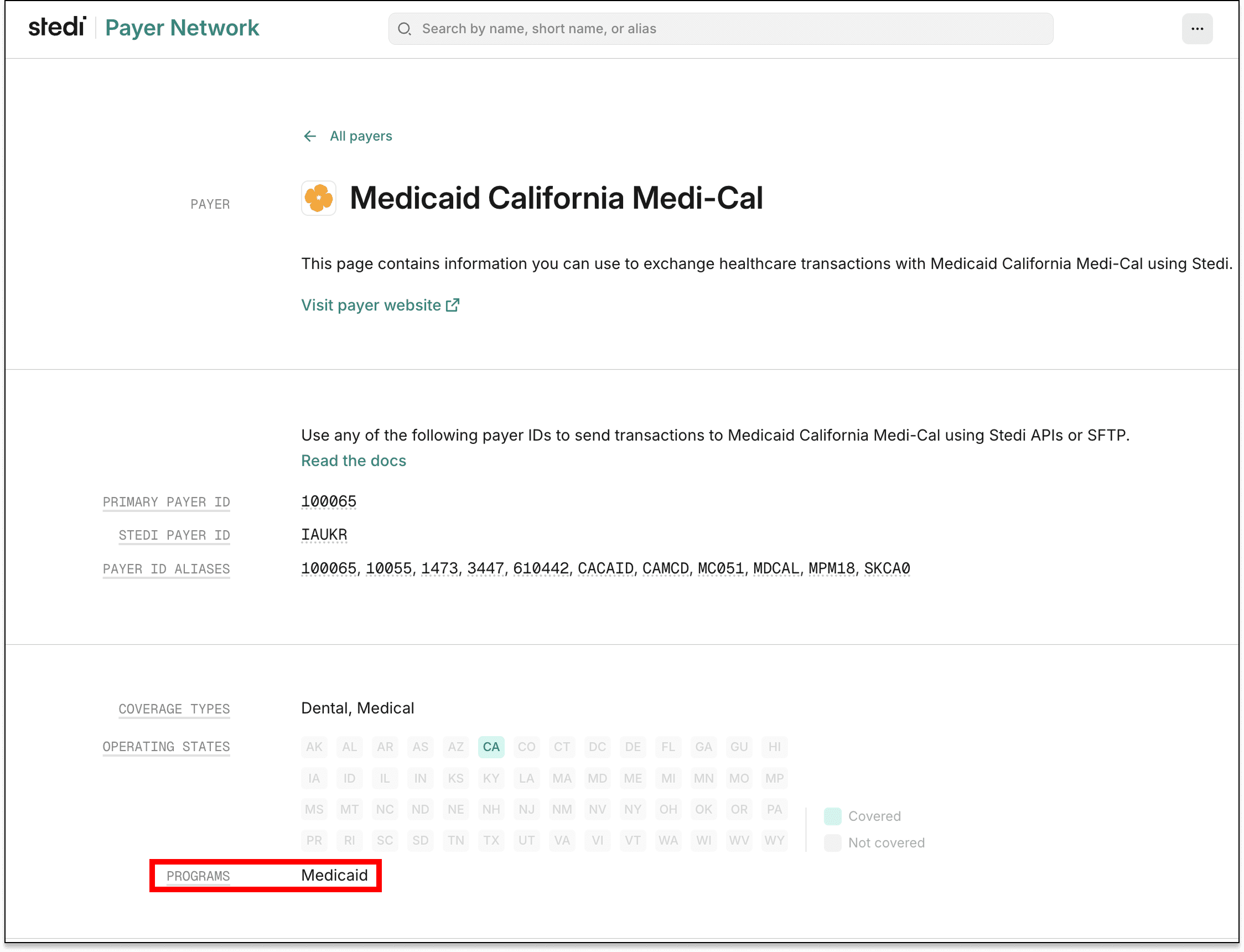
In the Stedi Payer Network, a payer's programs are listed in the Payer pane:
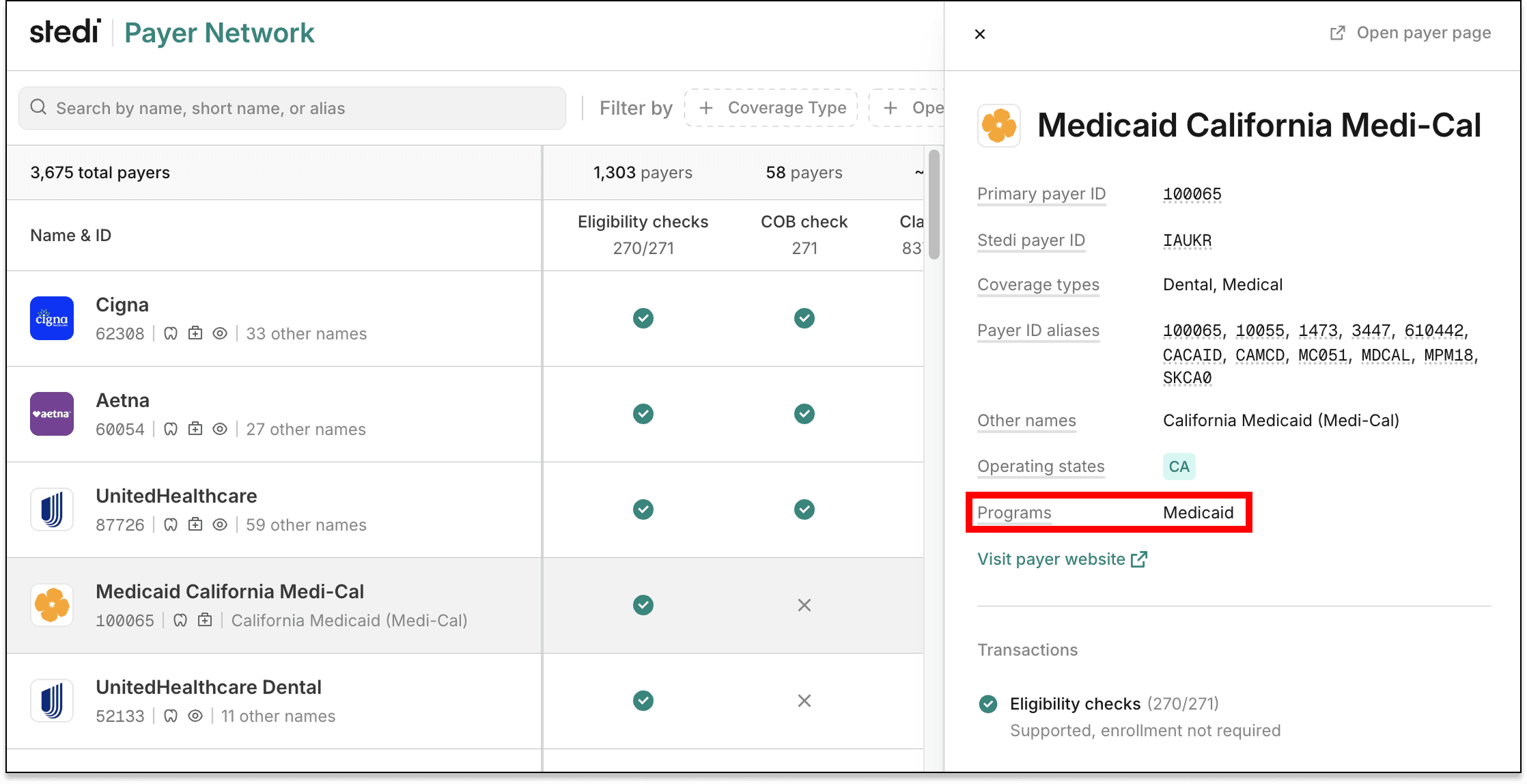
Programs also appear on the payer's Payer page:
View payer programs in the Payers API
Payer records returned by Payers API endpoints now include a programs field. If Stedi hasn't assigned any programs to a payer, this field is an empty array.
For example:
{
  "displayName": "Molina Healthcare California",
  "primaryPayerId": "38333",
  "programs": ["COMMERCIAL", "MEDICARE", "MEDICAID"]
}
Filter by payer programs using the Payers API
You can also filter payers by program using the Search Payers endpoint's programs query parameter. The parameter accepts one or more program values and returns payers that participate in any of them.
For example, the following search returns payers that participate in Medicare or Medicaid:
curl --request GET \
  --url 'https://healthcare.us.stedi.com/2024-04-01/payers/search?programs=MEDICARE&programs=MEDICAID' \
  --header "Authorization: <api_key>"