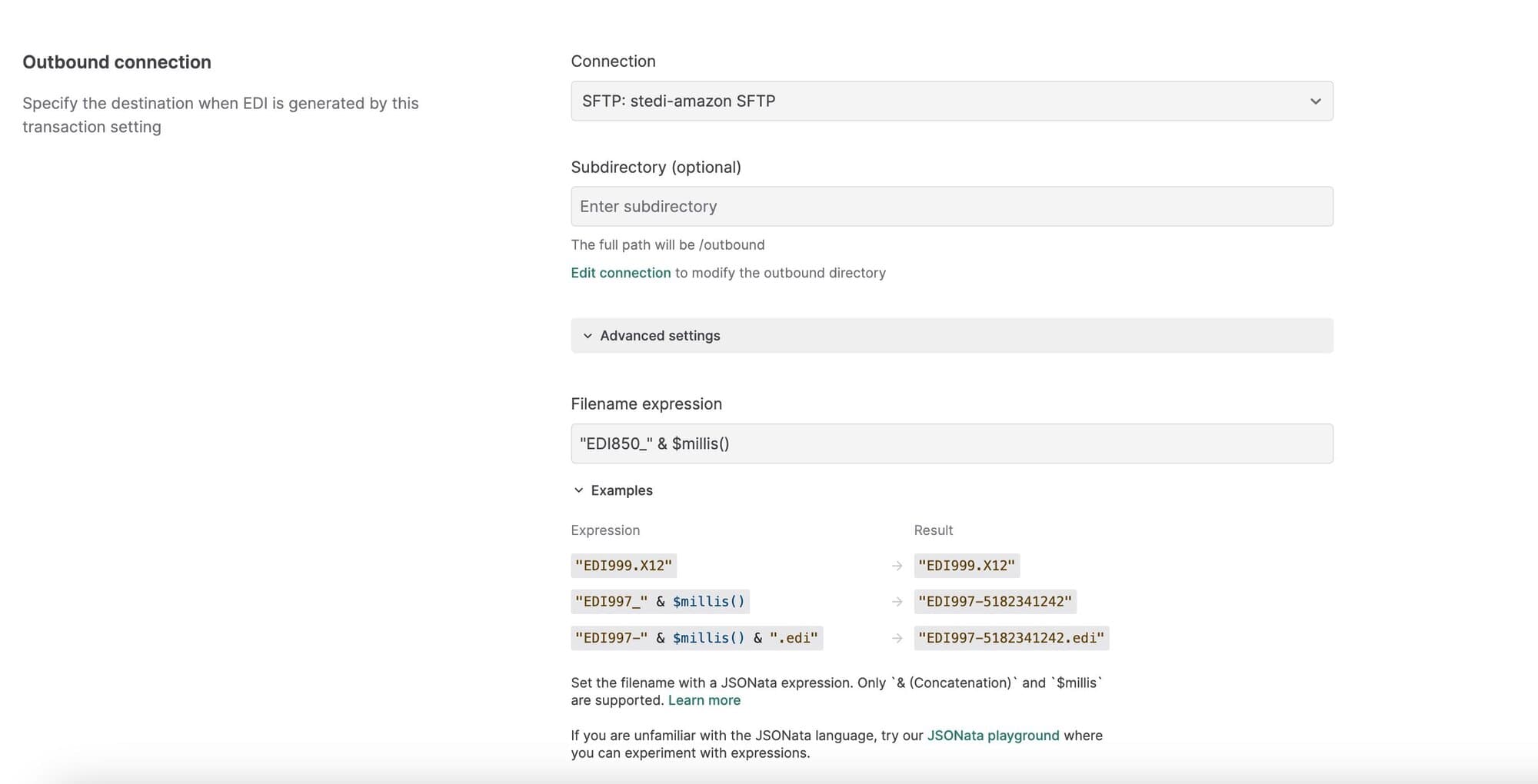
Set a custom filename for outbound EDI files
You can now set custom filenames for generated EDI files within outbound transaction settings.
By default, Stedi autogenerates a unique name for outbound files using a UUID. To specify a custom filename, open Advanced settings in the outbound transaction setting and enter a JSONata expression into the Filename expression field.
You can use & (Concatenation) or $millis in the expression to generate a unique name based on the processing timestamp. For example, the expression “EDI850-” & $millis() results in filenames like EDI850-5182341242.