Introducing timeframes for transaction enrollments
You can now see how long – minutes, hours, days, or weeks – it takes for an enrollment to go from submission to live with a payer in the Stedi Payer Network or the Payers API.
Payer Network
In the Stedi Payer Network, enrollment timeframes are shown in the Payer pane, in the Activation Timeframe field for the transaction type:
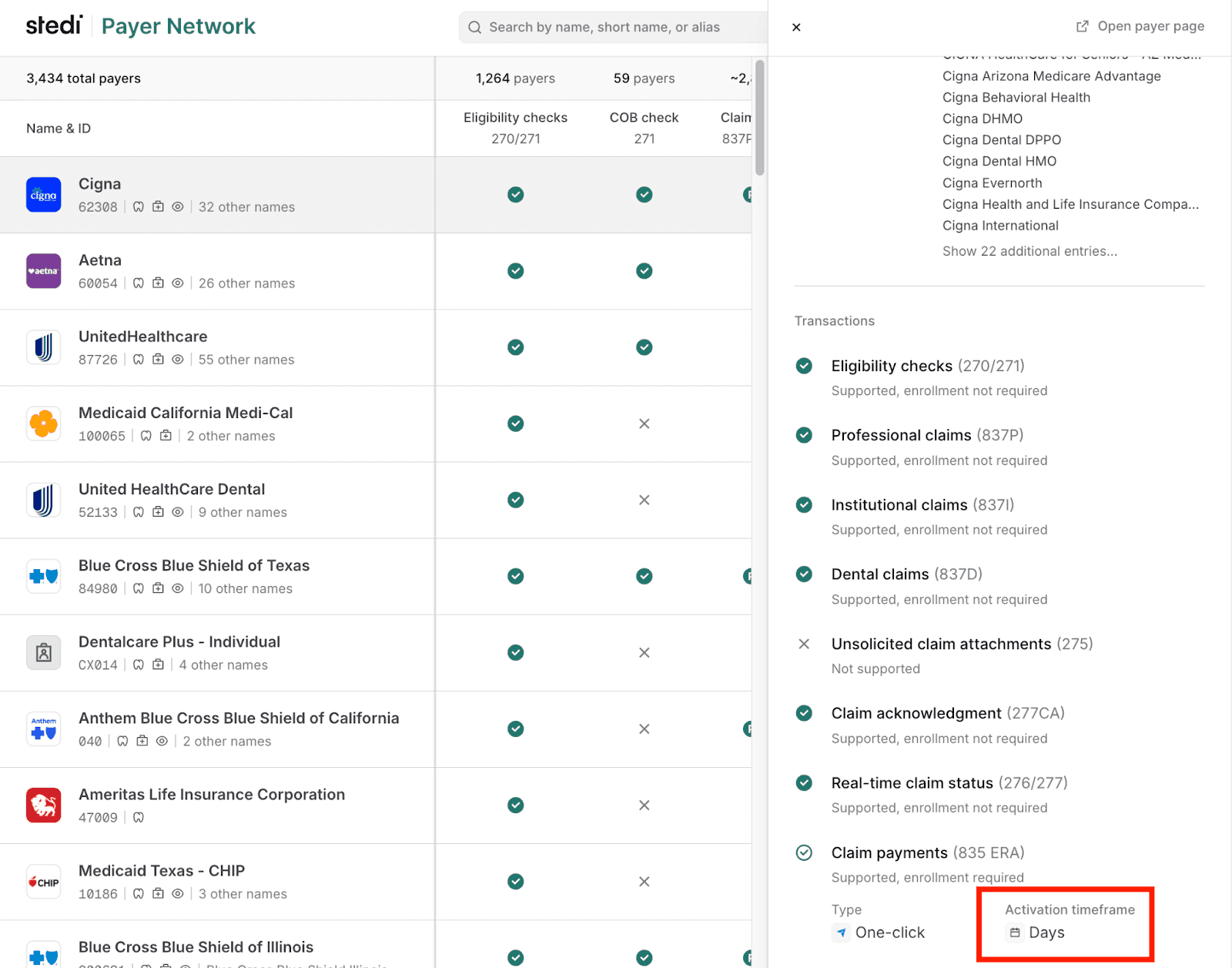
Activation Timeframe fields are also listed on the Payer page:
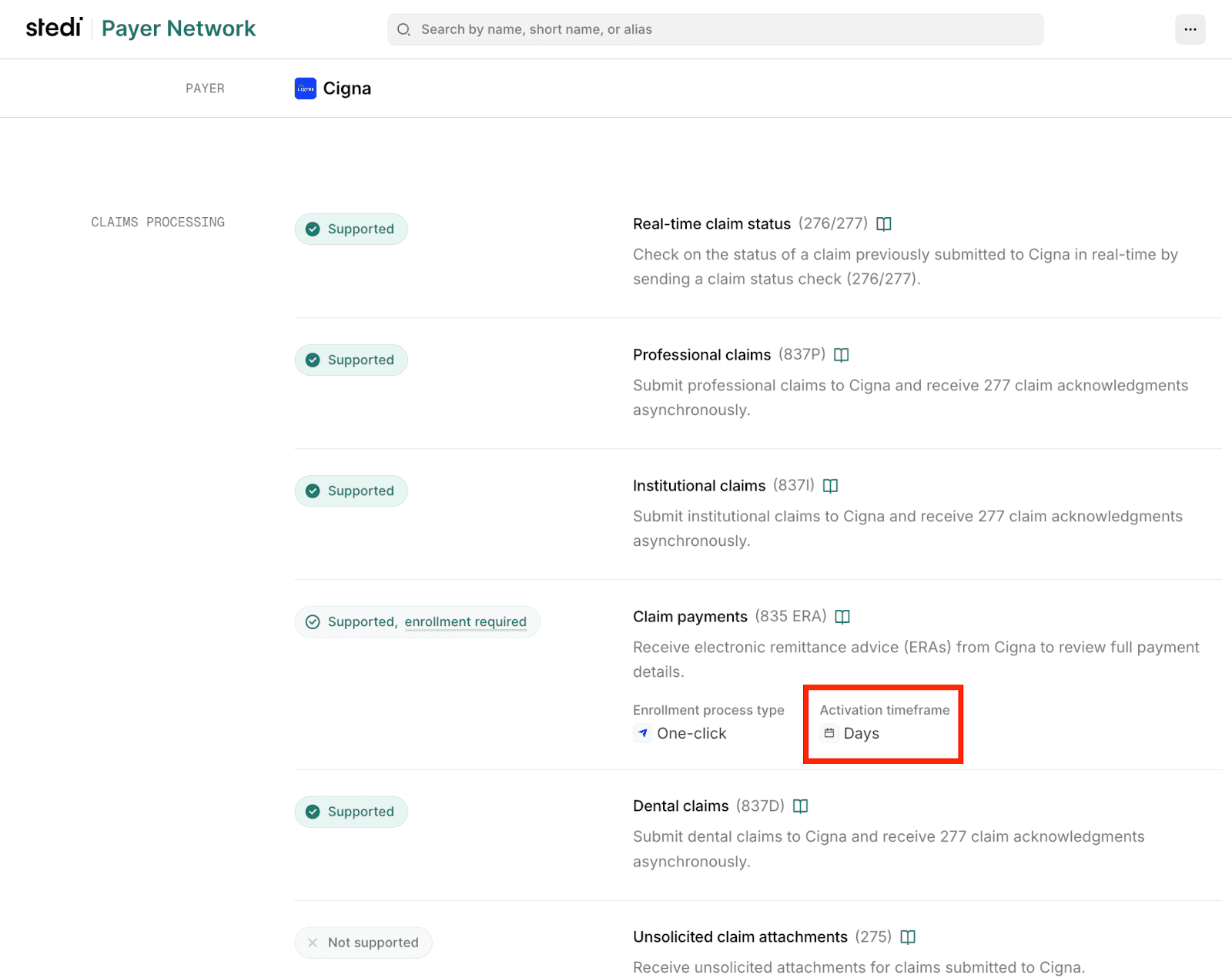
A value of Instant means the enrollment typically goes live within minutes of submission. Other values, like Hours or Days, indicate how long the process usually takes.
Payers API
In Payers API responses, each payer object lists enrollment details, if any, for each transaction type under transactionEnrollmentProcesses. The timeframe field shows the expected enrollment timeline for the transaction type.
{
  "payer": {    "displayName": "Blue Cross Blue Shield of Michigan",
    "primaryPayerId": "00710",
    "enrollment": {
      "ptanRequired": false,
      "transactionEnrollmentProcesses": {
        "claimPayment": {                  // This payer requires enrollment for ERAs.
          "timeframe": "INSTANT",          // ERA enrollment typically takes minutes.
          "type": "ONE_CLICK"
        }
      }
    },
    ...
  }
}
For more details, see our announcement blog.