Filter payouts by status and billing entity in the Stedi portal
The Stedi portal's Payouts page has two new list filters:
- Status – Shows payouts with a specific processing status: Pending, In-transit, Paid out, or Failed.
- Billing entity – Shows payouts for one of your account's billing entities.
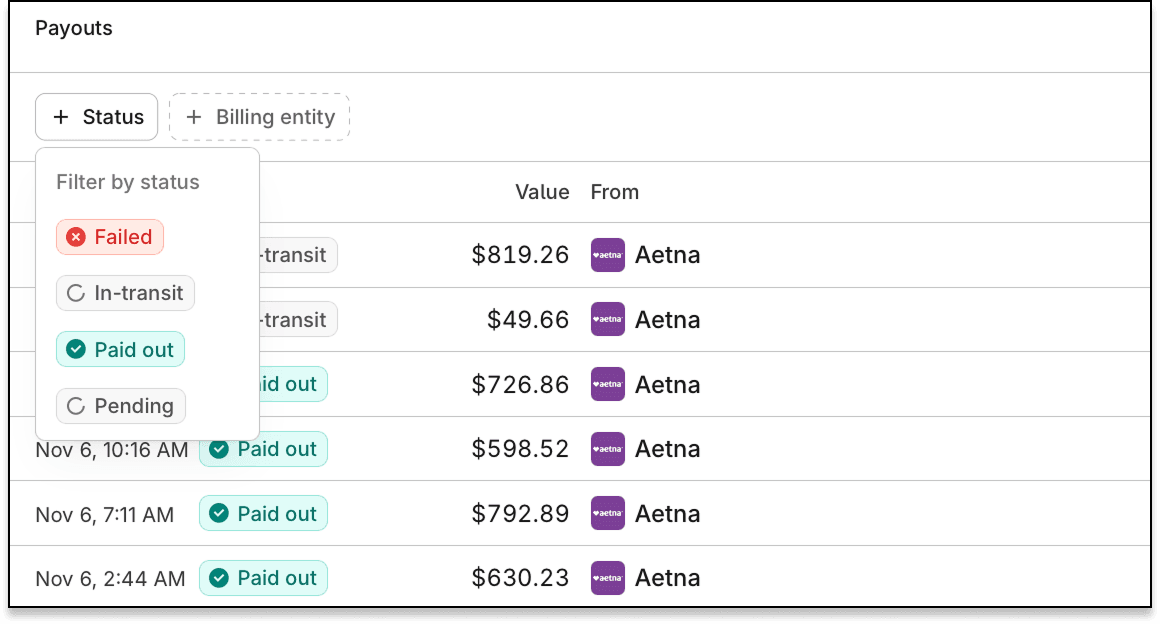
Previously, the Payouts page listed every payout for your Stedi account with no filters. Now you can find a specific billing entity's payouts, or payouts with a specific status.
For example, you can set the Status filter to Failed and use the Billing entity filter to review a specific billing entity's failed payouts.
For more information, see our filter payouts docs.